
Inviting people to your event
Last updated 12 October 2026
A personal invite fills spots faster than a post. You can send invites from your dashboard, and your attendees can invite their friends too.
Sending invites
- Go to Events in your host dashboard and click the event
- On Overview, click Invite guests
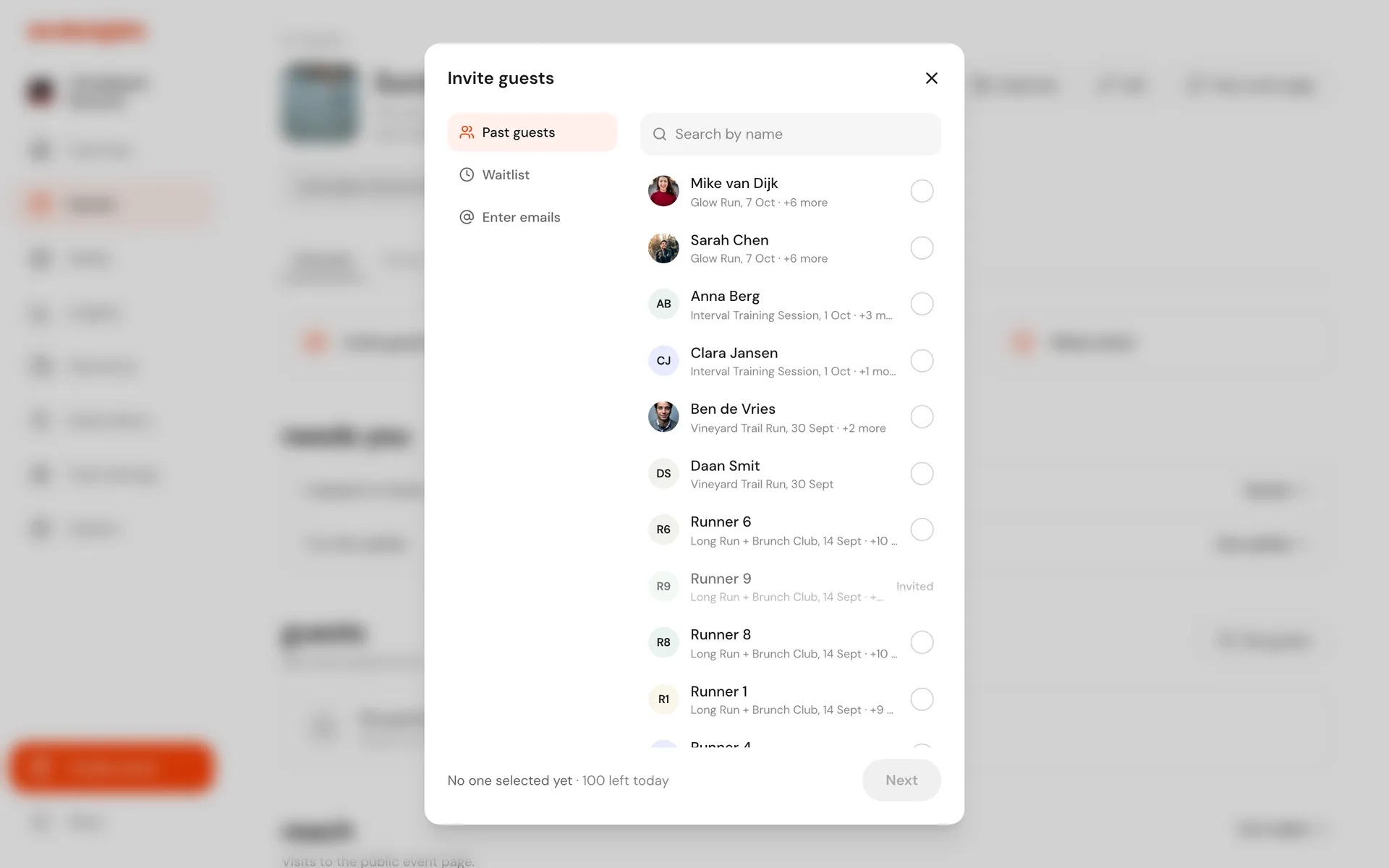
First choose who to invite. You can mix all three:
- Past guests: people who have been to your events before
- Waitlist: people waiting for a spot at your other events
- Enter emails: type or paste email addresses
Tick the people you want, then click Next. On Add a note you can write a personal message (up to 500 characters). It appears in the invite email. Then send.
Everyone gets an email with a link to book. Past guests and waitlisted people also get a notification on Weeknights.
Each event can send up to 100 invites a day. The dialog shows how many are left today, and you can send more the next day.
Seeing who you invited
The event's Invited tab lists people you invited who haven't booked yet. Once someone books, they move to Guests.
Attendees inviting friends
Once someone has booked, they can click Invite friends on their ticket to invite people they know by email or share a link. It is a simple way for your community to bring others along.