Setting up Stripe
Last updated 20 August 2026
To sell tickets and receive payments, you need to connect a Stripe account. Here's how to set it up.
What is Stripe?
Stripe is a payment processing platform that handles credit card payments securely. When you connect Stripe:
- Attendees can pay with credit/debit cards
- Payments go directly to your bank account
- Everything is secure and PCI compliant
Connecting your Stripe account
- Go to your host dashboard
- Click Settings in the sidebar and open the Payments tab
- Click Connect Stripe to start the connection process
- You'll be redirected to Stripe
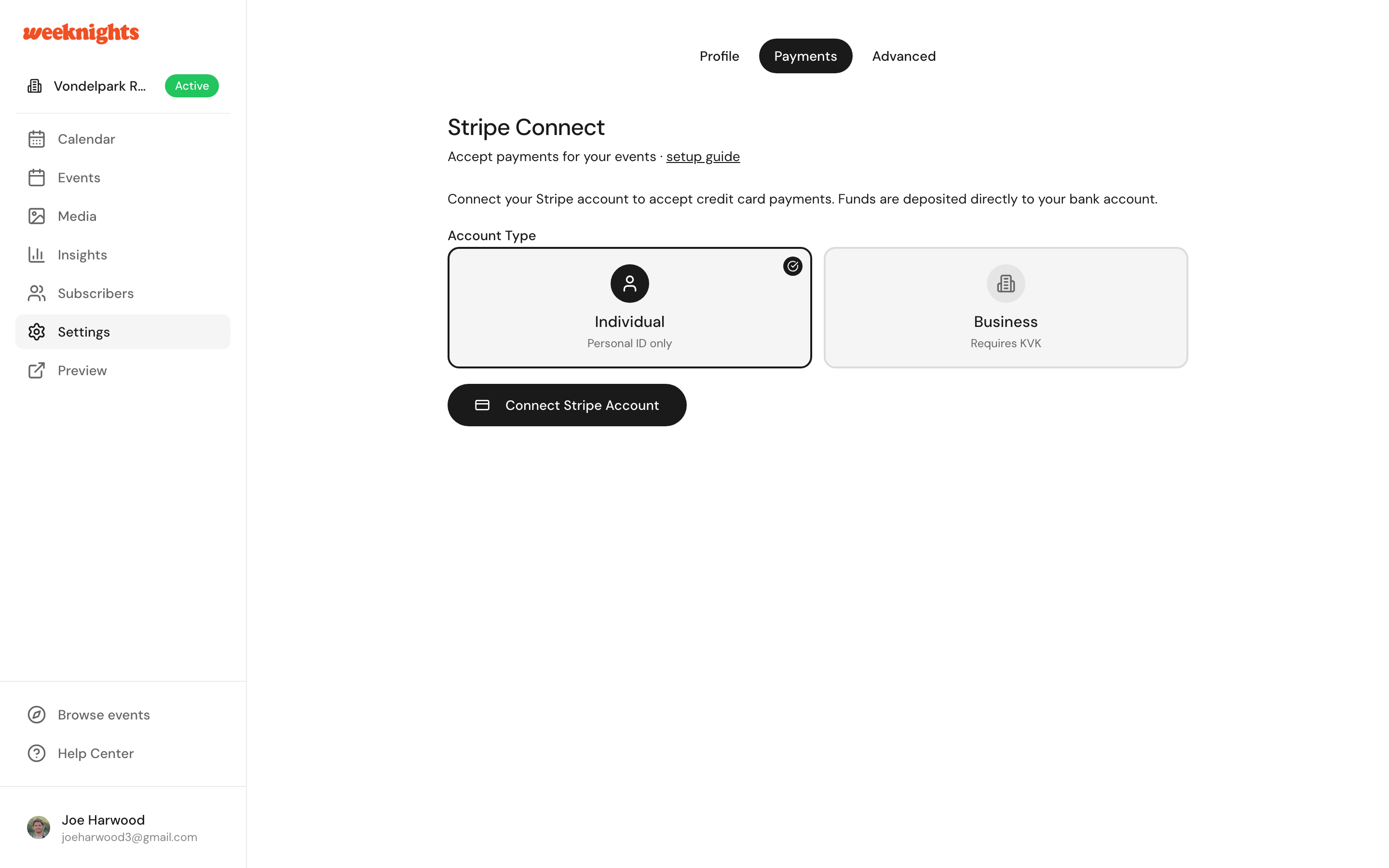
Stripe onboarding
Stripe will ask for:
- Business type - Individual or company
- Personal details - Name, address, date of birth
- Bank account - Where you want to receive payouts
- Identity verification - A photo ID may be required
This is a one-time setup. Once connected, you're ready to sell tickets.
If you already have a Stripe account
You can connect your existing Stripe account. During the connection process, log in to your existing account instead of creating a new one.
Checking your connection status
Once connected, you'll see:
- A confirmation that Stripe is connected
- Your connected account details
- Payout information
Troubleshooting connection issues
"Verification required"
Stripe may need additional documents. Check your Stripe dashboard for pending requirements.
"Connection failed"
Try the connection process again. Make sure you complete all required fields.
"Bank account issues"
Ensure your bank account details are correct. Stripe supports most European banks.
Managing your Stripe account
You can access your full Stripe dashboard at dashboard.stripe.com to:
- View all transactions
- Update bank details
- See payout history
- Manage settings
Next steps
- Payouts and fees - When you get paid and platform fees
- Creating an event - Publish a paid event