
Your tickets
Last updated 12 October 2026
Finding your tickets
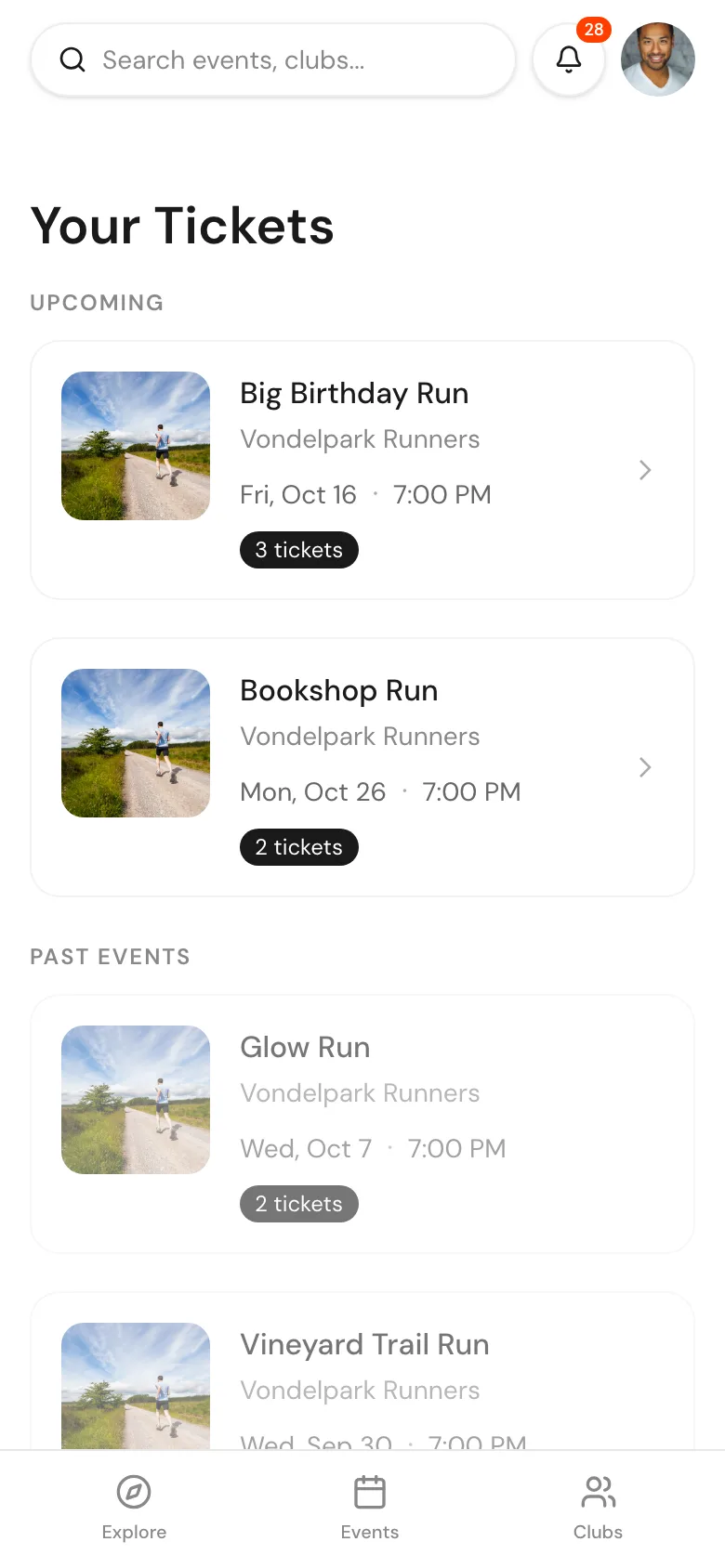
Open My Tickets in the menu, or go to weeknights.nl/tickets. Your bookings are grouped into:
- Pending Requests: waiting for the host to approve, or for you to pay
- Upcoming: confirmed tickets
- Rejected Requests: requests the host declined
- Past Events: events you went to
Your ticket
Open a ticket to see the event details, your Ticket ID and a QR code. Show the ticket to the organiser at check-in. They can scan the QR code with their phone, or find you by name. Once you are checked in, the ticket says so.
Ticket actions
- Apple Calendar or Google Calendar: add the event to your calendar
- Invite friends: share the event with friends
- Pay now: shown when you have been approved for a paid event and still need to pay
- View event: open the event page
Can't make it?
- Pending request: click Cancel request on the ticket. Nothing is charged.
- Confirmed ticket: click Can't make it? Request a refund to email the host. Refunds are up to the host. See Getting a refund.